vCard QR code generator
One scan saves your full contact card — name, number, email — into iOS or Android contacts. Offered in vCard 3.0 and 4.0, because they import differently.
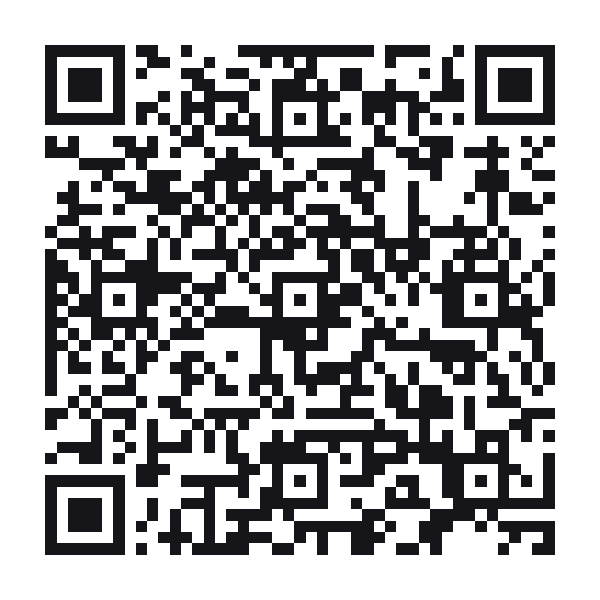
A vCard QR code stores a contact card — name, phone, email, address — that a phone offers to save to its contacts.
Style this code — colour, shape, branding, frame and output
Colour & contrastThe ink, the paper behind it, and the three eyes. Every choice is contrast-checked as you make it.
ShapeHow the squares are drawn. The three eyes are styled apart from the data, because a scanner finds the code by them.
BrandingYour mark on the code. Every picture here costs scanability — the notes say how much, and the preview is the truth.
Frame & captionA border and a line of text around the code — the "scan me" that tells a passer-by what it is for.
OutputWhat comes out of the download buttons, and what the symbol actually carries.
Print-ready PDF
A press file at the finished size: 3mm bleed, crop marks and a trim box a print shop’s checks read. The code is drawn black on white whatever the design above — how a colour prints is something only a test print can show.
How big should a vCard QR code be printed?
A contact card is one of the largest static payloads: even name, phone and email pushes the code to version 4 or higher. That means more modules and a larger minimum print size — the readout under the preview shows both live. For business cards, consider the hosted digital business card instead: it encodes a short link, stays at version 2, and you can update your details after printing.
3.0 or 4.0?
vCard 3.0 imports cleanly into iOS Contacts, Google Contacts and Outlook, and is what we recommend by default. vCard 4.0 adds structured fields but Android’s stock importer is stricter with it. The table below shows what each OS actually keeps on import.
For teams
Generating cards for a whole team is a bulk job: upload a CSV of names and numbers, apply one design, and every card is scanability-scored before export.
What imports where
| iOS Contacts | Google Contacts | |
|---|---|---|
| Name, phone, email | ✓ Imports | ✓ Imports |
| Company and title | ✓ Imports | ✓ Imports |
| Photo (embedded) | ⚠ Bloats the code | ⚠ Bloats the code |
| Social profiles (4.0) | ⚠ Partial | ✗ Dropped |
vCard QR code questions
Can I update my details after printing?
Not with a static vCard — the data is inside the code. The hosted digital business card is the editable version: the code carries a short link, and the card behind it stays yours to change.
Why is my vCard QR so dense?
Every field adds bytes, and the code grows in versions to fit them. Keep to name, one number and one email for a printable code, or switch to the hosted card.
Should I embed a photo?
No. An embedded photo multiplies the payload and typically makes the code unprintable at business-card size. Hosted cards show photos without touching the QR payload.
Does it work without internet?
Yes — a static vCard is fully offline. The phone reads the contact straight out of the code.
Built to ISO/IEC 18004:2024 (the QR code symbology) · RFC 6350 (vCard 4.0)