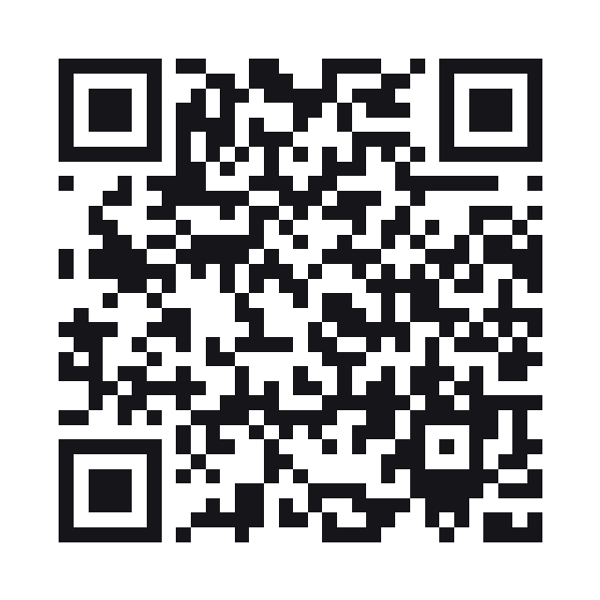
GST business information QR code
Your GSTIN and registered name as a code any camera reads, so a customer copies it onto an invoice instead of retyping fifteen characters off a board.
A GST info QR code stores a business’s GSTIN and details as plain text, for a customer or supplier to read and copy.
Style this code — colour, shape, branding, frame and output
Colour & contrastThe ink, the paper behind it, and the three eyes. Every choice is contrast-checked as you make it.
ShapeHow the squares are drawn. The three eyes are styled apart from the data, because a scanner finds the code by them.
BrandingYour mark on the code. Every picture here costs scanability — the notes say how much, and the preview is the truth.
Frame & captionA border and a line of text around the code — the "scan me" that tells a passer-by what it is for.
OutputWhat comes out of the download buttons, and what the symbol actually carries.
Print-ready PDF
A press file at the finished size: 3mm bleed, crop marks and a trim box a print shop’s checks read. The code is drawn black on white whatever the design above — how a colour prints is something only a test print can show.
The GSTIN is checked before anything is drawn
A GSTIN carries a state code and a check character, so a mistyped one is detectable. It is checked with the same validator our own billing uses, and nothing is drawn if it fails — a business code that hands customers a wrong GSTIN costs them the input credit.
Plain text, on purpose
Every phone camera shows plain text as it is, with a copy button. A contact card would bury the number behind an import screen, and a link would need a page for a value that never changes.
Is this the GST e-invoice QR code?
The QR on a GST e-invoice is signed by the Invoice Registration Portal, one per invoice. This is your registration on a counter or a letterhead. It moves no money; to be paid, print a UPI code beside it.
GST business information codes
What does the code contain?
Your GSTIN and legal name, and the trade name, address, phone and email if you add them — one labelled line each.
Does it verify my registration with the GST portal?
No. It checks that the GSTIN is well formed and its check character matches. Whether the registration is active is the GST portal’s answer.
Can I use it on an invoice?
Yes, as information. It is not a substitute for the IRP-signed QR an e-invoice must carry.
Can I change it later?
The details are in the printed code itself, so a change means a new code. Your GSTIN does not change unless your registration does.
Built to ISO/IEC 18004:2024 (the QR code symbology)